Make next week’s schedule in minutes
Plan who’s working when, at every location. Handle time-off requests in a couple of clicks. Or just ask Clirp to draft the schedule for you.
- Every shift, at every location, in one place
- Time-off requests without the back-and-forth
- A schedule drafted for you, ready to check
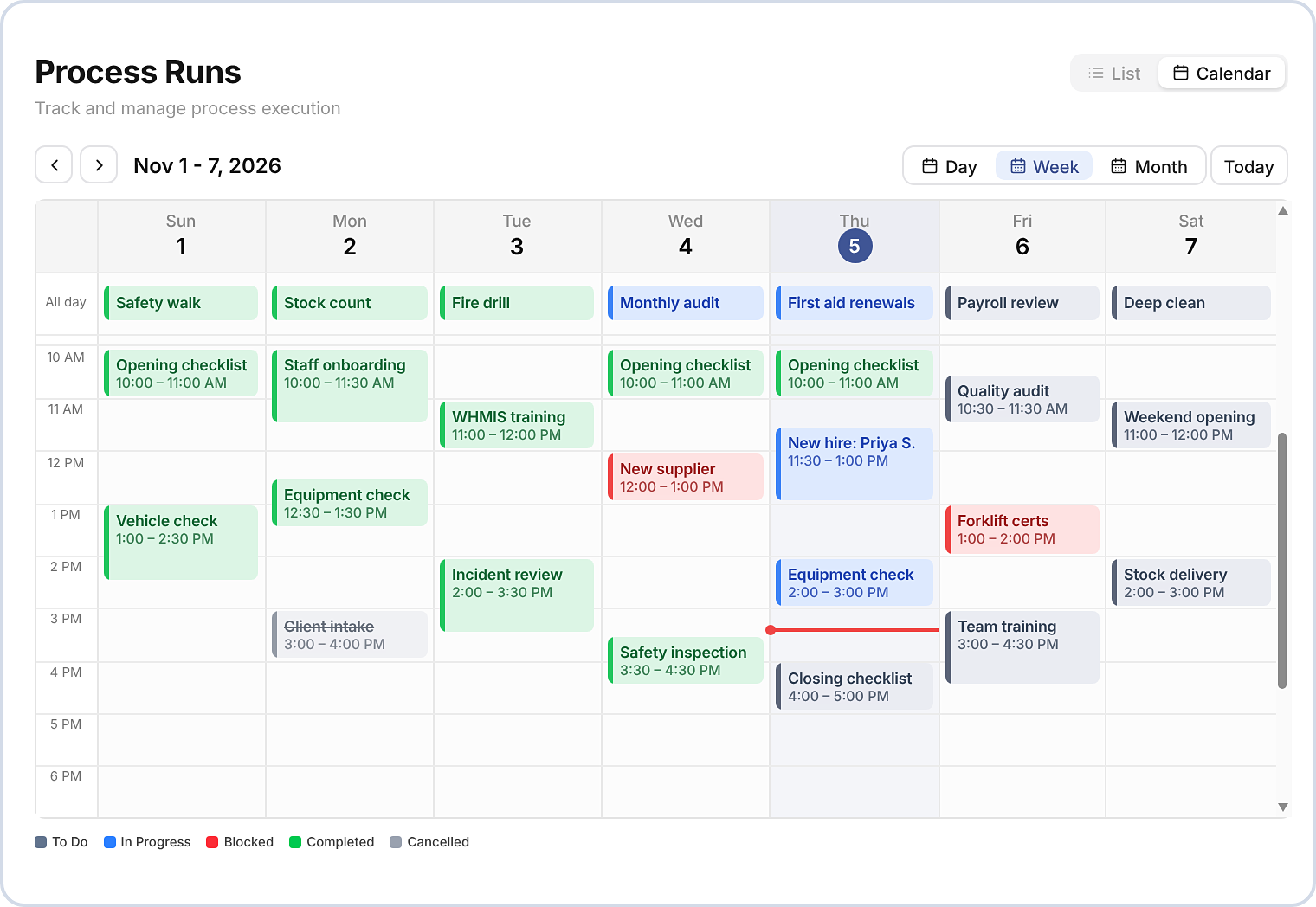

Your team’s schedule, all in one place
You know how it goes. A spreadsheet that’s never up to date, texts asking “Am I working Thursday?”, and a time-off request you only find out about after the schedule is posted.
Clirp puts shifts and time off on one calendar that everyone can see. Your staff always know when they’re working, and you always know who’s available.
A calendar that’s easy to use
- Add shifts fast. Create one shift, or a whole week’s worth at once.
- Change multiple shifts at once. Move, edit, or remove a whole batch of shifts in one go.
- Focus on one person. Filter the calendar to see a single employee’s week.
- Time off shows up too. Approved days off appear right on the calendar, so you won’t book someone who’s away.
Make next week’s schedule
Tell Clirp’s built-in AI agent what you need in plain English. It fills in the calendar with a draft, and every new shift is highlighted so you can see exactly what it suggests. Accept it, reject it, or go location by location. Nothing is saved until you say so.
Try asking
“Make next week’s schedule for the downtown shop.”
“Put Sam on mornings every weekday next week.”
“Move Alex’s Friday shift to Saturday.”
Schedule more than people
Got treatment rooms, vehicles or equipment that need booking? Give them their own schedule, just like your staff, so nothing is double-booked.
Questions? We’ve got answers
It can draft it. Ask in plain English and Clirp fills in the calendar with suggested shifts. You check them and decide what to keep. Nothing is saved until you approve it.
Yes. Every employee has their own schedule in Clirp, which works in the browser on their phone or computer.
Staff send a request in Clirp. You approve or decline it, and approved time off shows on the calendar. Clirp keeps track of everyone’s balance.
Yes. Each location has its own calendar and time zone, and you can limit managers to the locations they look after.
Yes. Give rooms, vehicles or equipment their own schedule, just like staff.
Yes, with online booking. Customers only see times when your staff or rooms are free. See how online booking works.
Get your weekends back
See how fast scheduling can be when the calendar fills itself in.