Send quotes that get a yes
Make a professional quote in minutes, send it as a link, and let your customer accept it online. No printing, scanning or chasing signatures.
- Looks great, with your logo on every page
- Customers pick their options and accept online
- Turns into a project the moment they say yes
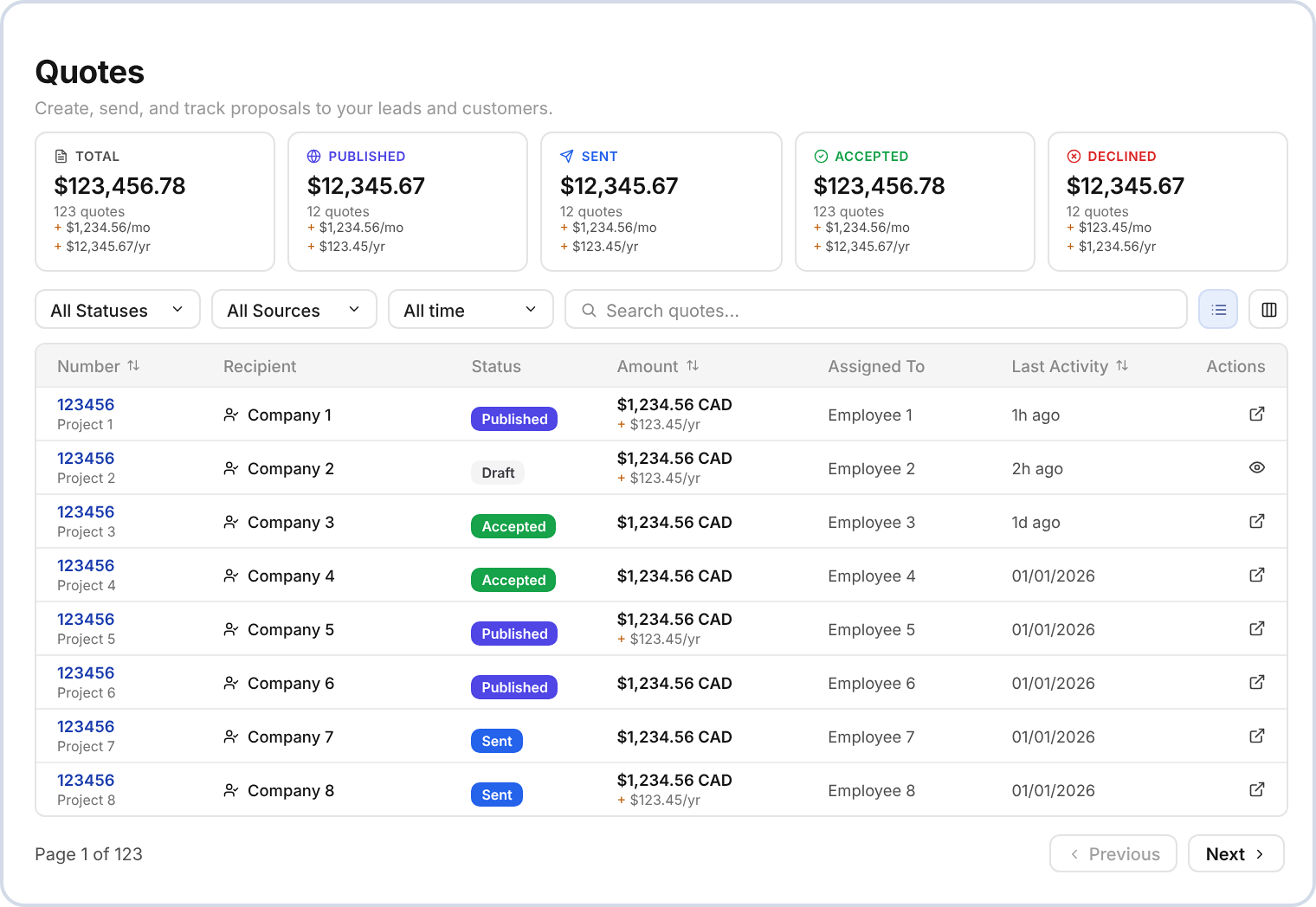

Quoting shouldn’t take all afternoon
Most quotes get built in a spreadsheet, copied into a document, saved as a PDF and emailed off. Then you wait. Did they open it? Did they print it, sign it and scan it back? Which version did they actually agree to?
Clirp does it all in one place. You build the quote, send a link, and know the moment it’s accepted. Every version is saved, so there’s never any doubt about what was agreed.
Good-looking quotes, without the fiddling
- Drag and drop. Add text, photos, prices and headings, then drag them into the order you want. No formatting headaches.
- Your branding, every time. Your logo, colours, header and footer go on every quote automatically.
- Start from a template. Save the quotes you send most often. Next time, pick a template, change a few details and you’re done.
- Fill in the blanks automatically. Templates can drop in the customer’s name, today’s date and other details for you.
They click a link. They say yes. That’s it
Send your customer a link to their quote. They can read it on any device, choose any optional extras and accept it by typing their name. They can download a PDF copy too.
The moment they accept, you get a notification by email and in Clirp. If they decline, the quote is marked as declined, so you can see where things stand and follow up.
Just tell Clirp what to quote
Type what you need in plain English and Clirp’s built-in AI agent puts the quote together. You look it over and send it when you’re happy.
Try asking
“Quote Acme for a website setup plus monthly support.”
“Add a 10% discount to the Riverside quote.”
“Send me the link to the Johnson quote.”
Questions? We’ve got answers
Once you’ve set up a template, most quotes only take a few minutes. You can also ask Clirp’s AI agent to write one for you.
Yes. Your logo, colours and your own header and footer images go on every quote.
You send them a link. They open it on their phone or computer, choose any optional extras and accept by typing their name. Nothing to print, and they don’t need an account.
Accepted quotes are locked so nothing changes by accident. Create a change order instead, and it stays linked to the original quote.
Yes. Set up your tax rates once, including ones with more than one part, like GST and PST. You can mark individual items as not taxable.
Yes. Quotes are sent to customers, so quoting works together with Clirp’s CRM. Both switch on together.
Ready to send your first quote?
See how fast it is to build a quote, send it and get a yes.