Let your customers book themselves
Give customers a simple interface where they can pick a service, choose a time and book. Day or night, without a single phone call.
- A booking page with your logo and colours
- Only shows times you’re actually free
- Confirmation emails sent for you
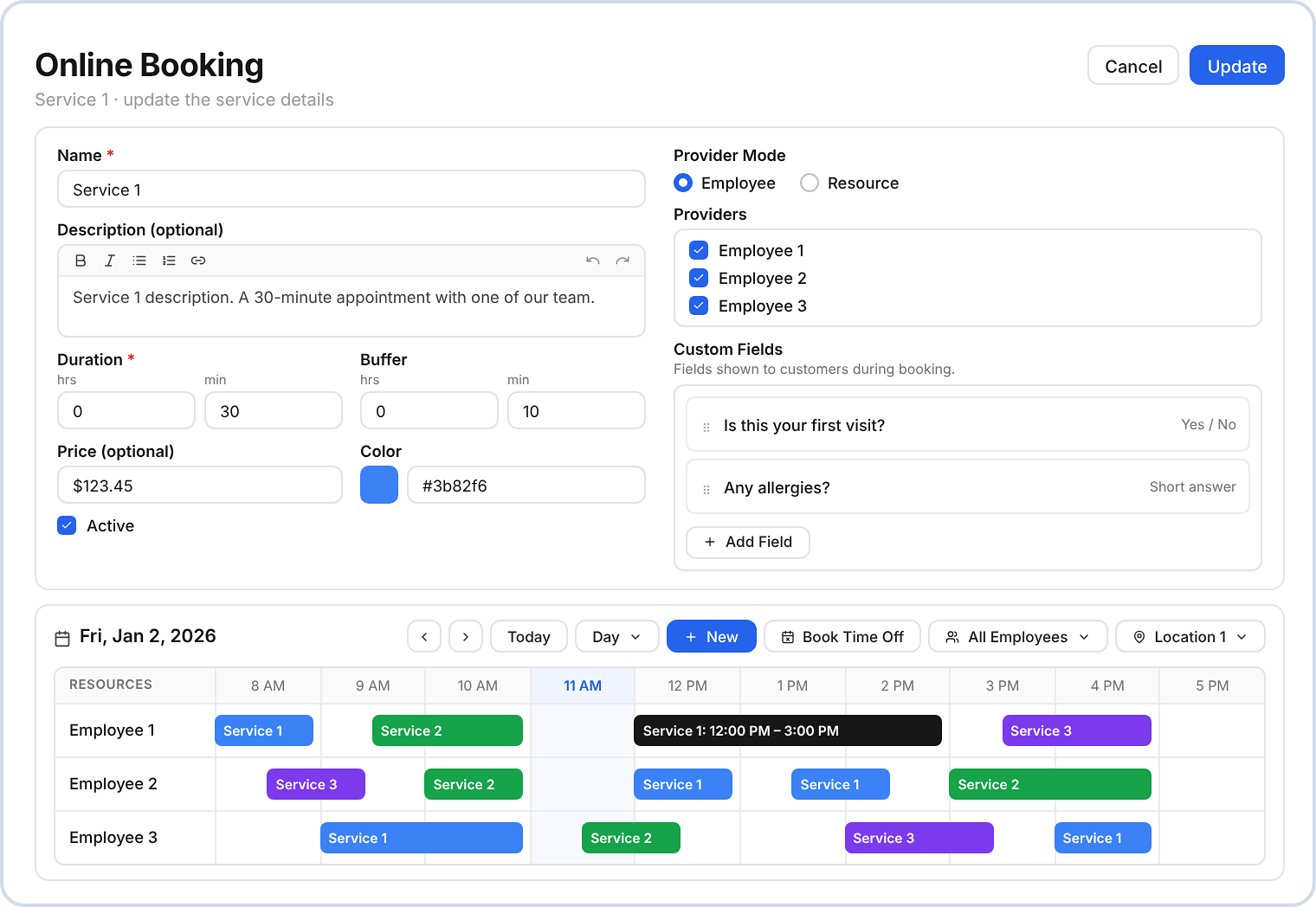

Stop playing phone tag
Every booking by phone or email means back-and-forth, and every missed call could be a customer who went somewhere else.
With Clirp, customers see your open times and book the one that suits them. You get the booking, they get a confirmation, and nobody has to pick up the phone.
Only the times you’re really free
Clirp checks your staff schedules, room schedules and existing appointments before it shows a time. If a slot’s taken, nobody else can book it. So you’ll never have two customers turn up for the same 2 o’clock meeting.
Everyone stays in the loop, automatically
As soon as someone books, Clirp emails them a confirmation with your logo on it. They’ll get an email if the appointment is moved, cancelled or completed, too. Your team gets a copy of each one, so nobody is caught off guard.
See your day at a glance
- Your appointments, your list. Staff see their own bookings. Managers see everyone’s.
- Keep track. Mark appointments as completed, cancelled or no-show, and note why someone cancelled.
- Private notes. Add notes only your team can see, like “Prefers mornings.”
- Book for them. Customer called instead? Book it yourself in a few clicks, or just ask Clirp’s AI agent to do it.
Got more than one location?
No problem
Share one booking link for all your locations, or a separate link for each one. Customers only see the services and staff available where they want to go. Put the link on your website, your social media or your email signature.
Questions? We’ve got answers
No. Clirp only shows times when the right staff member, room or piece of equipment is free. Once a time is booked, it disappears for everyone else.
No. They just enter their name and contact details when they book.
Yes. Your booking page and confirmation emails use your logo and colours.
Every booking page has its own link. Add it to a “Book now” button on your website, your social media profiles or your emails.
Yes. Use one link for all your locations, or a separate link for each.
Yes. Staff can book, move or cancel appointments in Clirp, or ask the built-in AI agent to do it for them.
Online booking is part of Clirp Scheduling. It uses your staff and room schedules to work out when you’re free.
Ready to fill your calendar?
See how easy it is for your customers to book, and how much time it gives back to your team.