Follow up with every customer, without lifting a finger
Send emails from your own Gmail or Outlook, see every reply on the customer’s page, and let Clirp send your follow-ups for you. The moment they reply, it stops.
- Works with the email address you already have
- Every conversation saved with the right customer
- Follow-ups that send themselves, and know when to stop
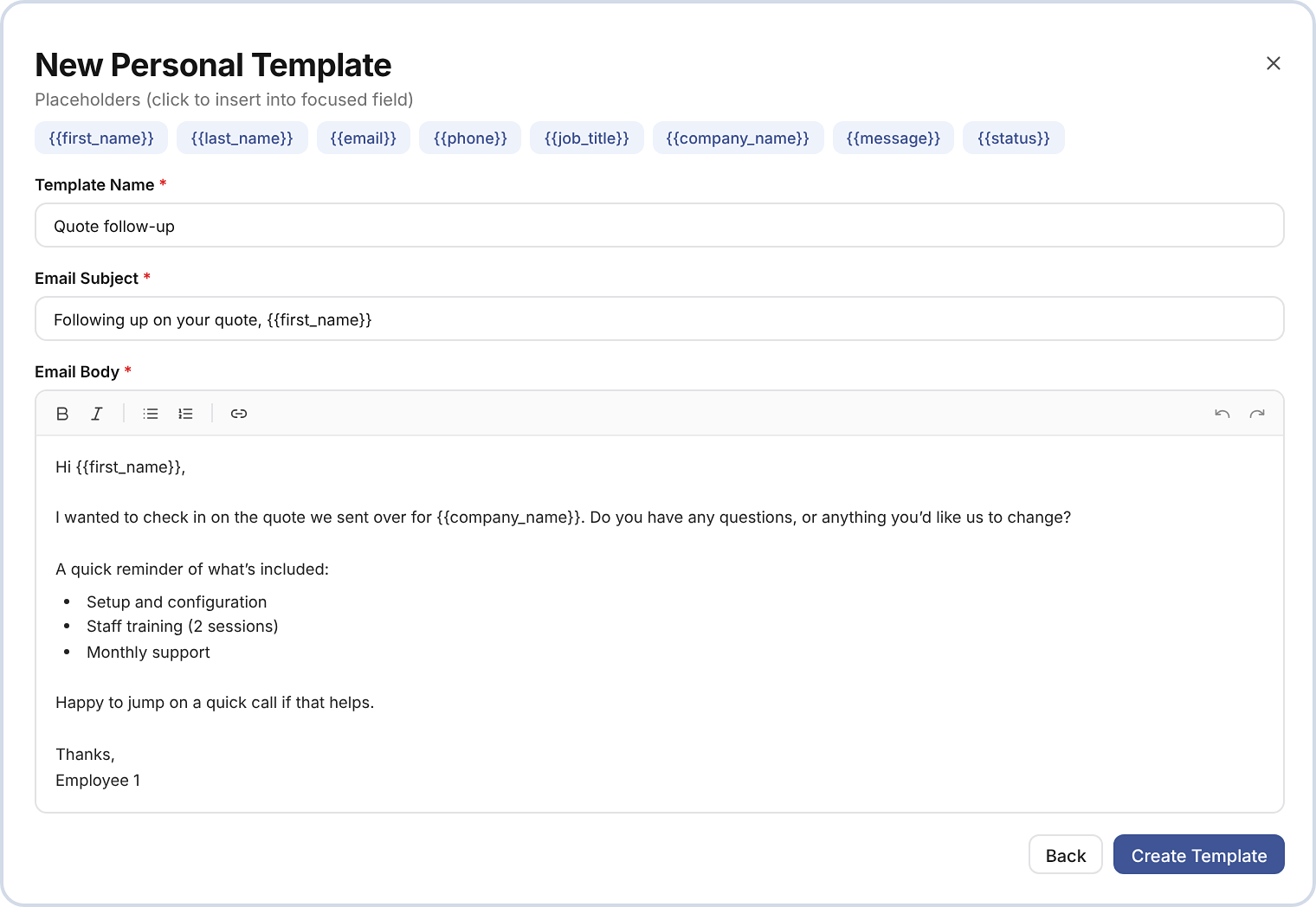

Most deals aren’t lost. They’re forgotten
You send a quote and hear nothing. You mean to follow up, but the week gets busy. By the time you remember, they’ve gone with someone else.
Meanwhile, the emails you have sent are stuck in your inbox, where nobody else on the team can see them. Clirp fixes both: every email lives on the customer’s page, and follow-ups go out on time, every time.
Not sure what to say?
Tell Clirp’s built-in AI agent what you want to send in plain English, and it drafts the email for you to check.
Try asking
“Write a friendly follow-up to Acme about the quote we sent last week.”
“Make a template for thanking new customers.”
“Log that I emailed Riverside about their order.”
Questions? We’ve got answers
Yes. Clirp works with Gmail (Google Workspace) and Outlook (Microsoft 365). Emails go out from your own address.
No. Your emails come from your normal address and look just like any other email you send.
It’s a short series of emails that Clirp sends for you, with a gap between each one. For example: a check-in after 3 days, and another after a week.
Clirp stops the follow-ups straight away. It also stops if their email bounces, or if they become a customer.
Yes. Clirp can look through your inbox and suggest which customer each email belongs to. You can also upload saved email files, or add an email by hand.
Your team sees the emails with customers on each customer’s page, so anyone can pick up where you left off.
Yes. Emails and follow-ups are saved to your customers, so this works together with Clirp’s CRM.
Never let a customer slip away again
See how Clirp keeps every conversation in one place and follows up for you.